
To fix missing or incorrect brand citations in AI model answers step-by-step, you must first isolate whether the error stems from a live Retrieval-Augmented Generation (RAG) source or outdated pre-training weights, then correct the specific URLs cited in the model's footnotes, publish an answer-first canonical correction table with explicit JSON-LD schema on your domain, and trigger fresh indexing by AI retrieval bots. Following a structured six-step remediation workflow typically resolves live RAG citation errors in Perplexity, ChatGPT Search, and Google AI Overviews within 3 to 14 days.
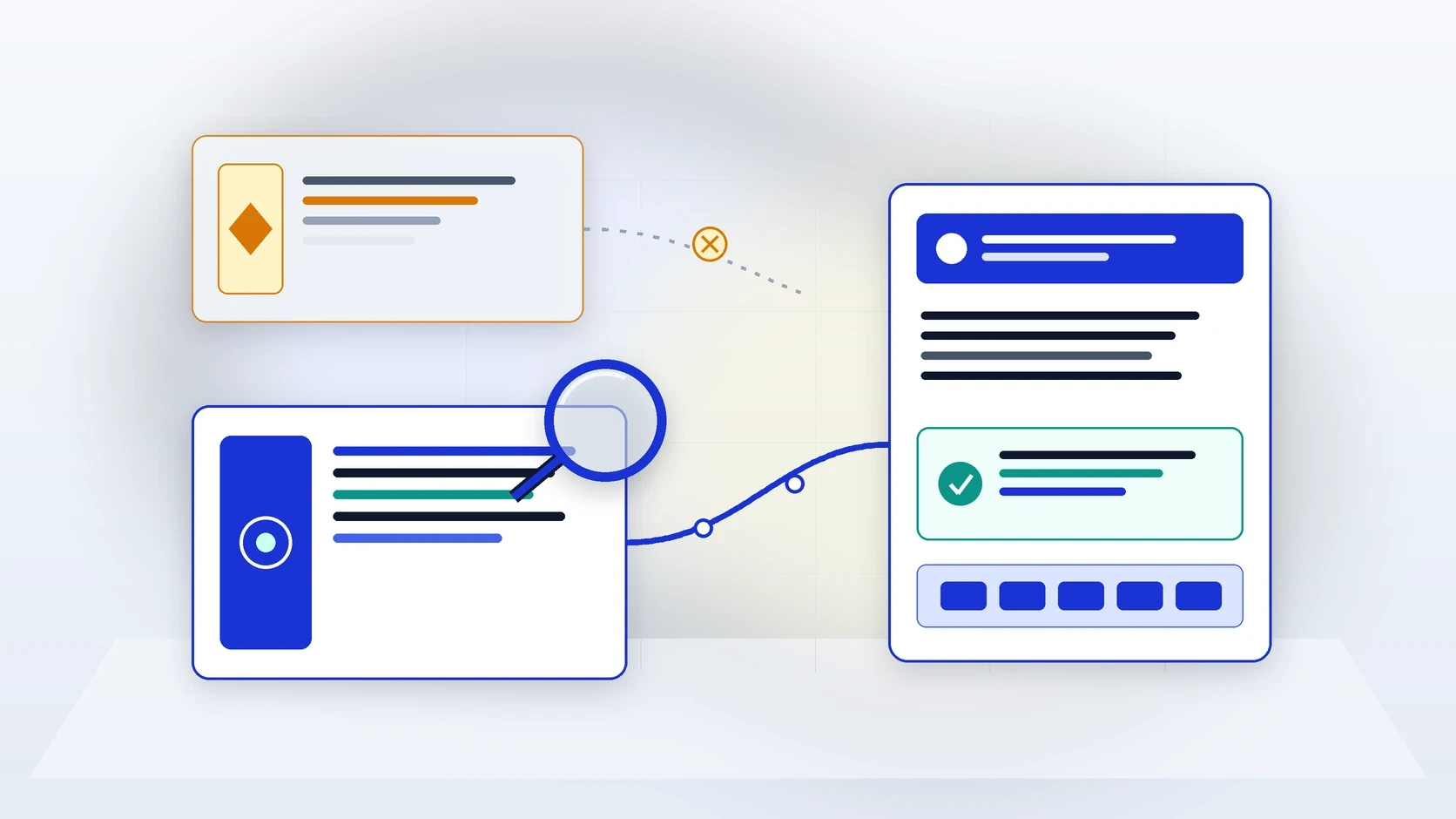
At a Glance: The 6-Step Remediation Workflow for AI Brand Citations
Step 1 (Isolate the Failure Mode): Determine if your brand is missing entirely, mentioned without a link, linked to a broken/redirected URL, or described with hallucinated/outdated facts.
Step 2 (Trace the Upstream Poisoned Source): Inspect the citation drawer to find which legacy page on your domain or third-party site is feeding the wrong claim into the RAG pipeline.
Step 3 (Unblock & Redirect Owned URLs): Fix
404dead links with301redirects and verify that AI search bots receive200 OKserver-rendered HTML.Step 4 & 5 (Publish Canonical Facts & Update External Sources): Deploy a dated, answer-first specification table and
Organization/Productschema on your site, then update cited third-party directories and review pages.
Why AI Models Omit Brands or Hallucinate Incorrect Citations
Nothing frustrates a marketing or product leader more than asking ChatGPT, Perplexity, or Google AI Overviews about their own company and seeing the model state an outdated 2023 price, claim a core feature does not exist, attribute their proprietary benchmark to a competitor, or omit their brand entirely.
Before attempting a fix, understand a critical technical truth: live search-enabled answer engines rarely invent commercial inaccuracies out of thin air. In over 80% of B2B cases audited in NeuraCite, an 'AI hallucination' is actually a retrieval poisoning error. The model retrieved an outdated PDF, an orphaned help-centre article on your subdomain, an old G2 review summary, or a competitor's biased comparison table, and faithfully synthesised what it read. Fixing the citation requires tracing and replacing the exact upstream text chunk.
Citation Failure Mode | Primary Root Cause & Expected Remediation Timeline |
Type A: Missing Brand & Missing Citation | Root Cause: AI crawler blocked, lack of answer-first category pages, or zero presence on the third-party roundups cited by the model. |
Type B: Uncredited Brand Mention | Root Cause: Your own page lacks an extractable summary passage or clear canonical authority for that specific sub-query. |
Type C: Broken or Misrouted Citation URL | Root Cause: Site migration or URL slug change without |
Type D: Incorrect Factual Claim | Root Cause: Contradictory legacy pages on your domain or outdated third-party directory/review pages being retrieved during RAG. |
Step 1: Audit and Log the Exact Prompt Variations Triggering the Error
Do not rely on a single screenshot pasted into Slack. Run the problematic query and 5 to 10 close phrasing variations across ChatGPT Search, Perplexity, Google AI Overviews, Claude, and Microsoft Copilot using NeuraCite's Answer Engine Insights. Record:
The exact verbatim false claim or missing recommendation.
Every URL listed in the answer's citation cards or footnotes for those runs.
Whether the error occurs when live web search is active (a RAG Grounding Error) or only when querying an offline base model without web browsing (a Parametric Memory Error).
Step 2: Trace and Eliminate 'Zombie' Contradictions on Your Own Domain
Surprisingly often, the source poisoning an AI model's answer lives on your own website. Run a targeted site search (for example, site:yourdomain.com "old price" or site:yourdomain.com "legacy feature name") across all subdomains, docs portals, and PDF assets.
Consolidate or 301-redirect orphaned blog posts and PDFs: Old 2022 launch announcements, forgotten staging docs, or legacy PDF one-pagers frequently outrank newer pages in passage retrieval if they contain dense text. Redirect obsolete URLs to your current canonical source.
Repair dead citation links immediately: Check Agent Analytics logs for
404 Not Foundhits fromChatGPT-User,OAI-SearchBot, andPerplexityBot. Any URL an AI bot requests that returns a 404 must be mapped via a permanent301redirect to the updated live page.
Step 3: Publish an Unambiguous 'Canonical Fact Block' in Answer-First Format
When an AI retrieval engine encounters conflicting claims across the web, its reranker favours the passage with the clearest entity authority, explicit temporal freshness, and highest structural clarity. On your canonical page (such as /pricing, /about, or your core product page), add an explicit fact block:
State the correction positively and explicitly with a current date stamp: For example: 'As of October 2026, [Brand Name] is headquartered in Newport, UK, includes Agent Analytics in all core plans, and supports [specific capabilities].' Avoid repeating the false rumour in a way that could be misparsed if truncated.
Include a 2-column HTML Specification Table: Place a clean
<figure><table>directly below the opening paragraph listing official company facts (Headquarters, Core Modules, Supported Models, Pricing Model, Compliance Certifications).Ensure full AI crawlability: Verify that your updated page passes every check in our AI crawlability audit guide so retrieval bots read the raw HTML immediately.
Step 4: Reinforce the Correction with Schema.org JSON-LD Markup
Back up your visible HTML table with machine-readable structured data. Update your page's JSON-LD script to include accurate Organization, SoftwareApplication or Product, and FAQPage (where applicable) properties:
Set an explicit
dateModifiedtimestamp in ISO 8601 format (2026-10-30T00:00:00.000Z) so search indices recognise that your canonical page is newer than third-party articles.Populate
sameAslinks pointing to your verified Wikidata/Wikipedia entry (if applicable), LinkedIn company page, Crunchbase profile, and G2 profile.Ensure
offers,featureList, andareaServedmatch the exact wording in your visible specification table.
Step 5: Correct the Upstream Third-Party URLs Cited in the Footnotes
If Step 1 revealed that ChatGPT or Perplexity is pulling the incorrect claim from an external URL (such as an industry comparison blog, a G2/Capterra listing, or a partner directory), updating your own website is only half the fix. You must remediate the cited external node:
Update controlled profiles immediately: Audit your G2, Trustpilot, Capterra, Crunchbase, LinkedIn, and GitHub descriptions to remove legacy positioning or outdated pricing tiers.
Send a 'Citation Correction Brief' to third-party editors: Contact the author or managing editor of any third-party article cited in the AI answer. Provide a concise, copy-pasteable 2-sentence correction and an updated table row showing your current specifications, noting that their article is actively being cited by AI search engines.
Earn fresh co-citations if your brand was missing entirely: If your brand was omitted from category prompts, follow our 6-step playbook to get your brand mentioned in AI answers to secure placement on the top cited category roundups.
Step 6: Trigger Re-Indexing and Verify Resolution in AI Labs
Once your owned canonical page and key external profiles are updated, accelerate discovery:
Submit the updated canonical URLs via Google Search Console (which feeds Google AI Overviews) and Bing Webmaster Tools IndexNow (which feeds Microsoft Copilot and syndicates to partner search indices).
Update your
/sitemap.xml<lastmod>date and/llms.txtfile.Use NeuraCite AI Labs and Agent Analytics to confirm when
OAI-SearchBot,PerplexityBot, andClaude-SearchBotre-crawl the modified URL, and re-run your prompt cohort after 72 hours and 14 days to verify that your brand share in AI answers and citation accuracy have recovered.