
AI crawlability is the technical ability of answer engine indexing bots and real-time Retrieval-Augmented Generation (RAG) agents to access, render, and extract structured content from your website without being blocked by robots.txt rules, CDN bot firewalls, client-side JavaScript rendering, or slow server response times. Even if your pages rank well in Google Search, a single misconfigured WAF rule or unrendered React bundle can make your brand completely invisible to ChatGPT Search, Perplexity, and Claude.
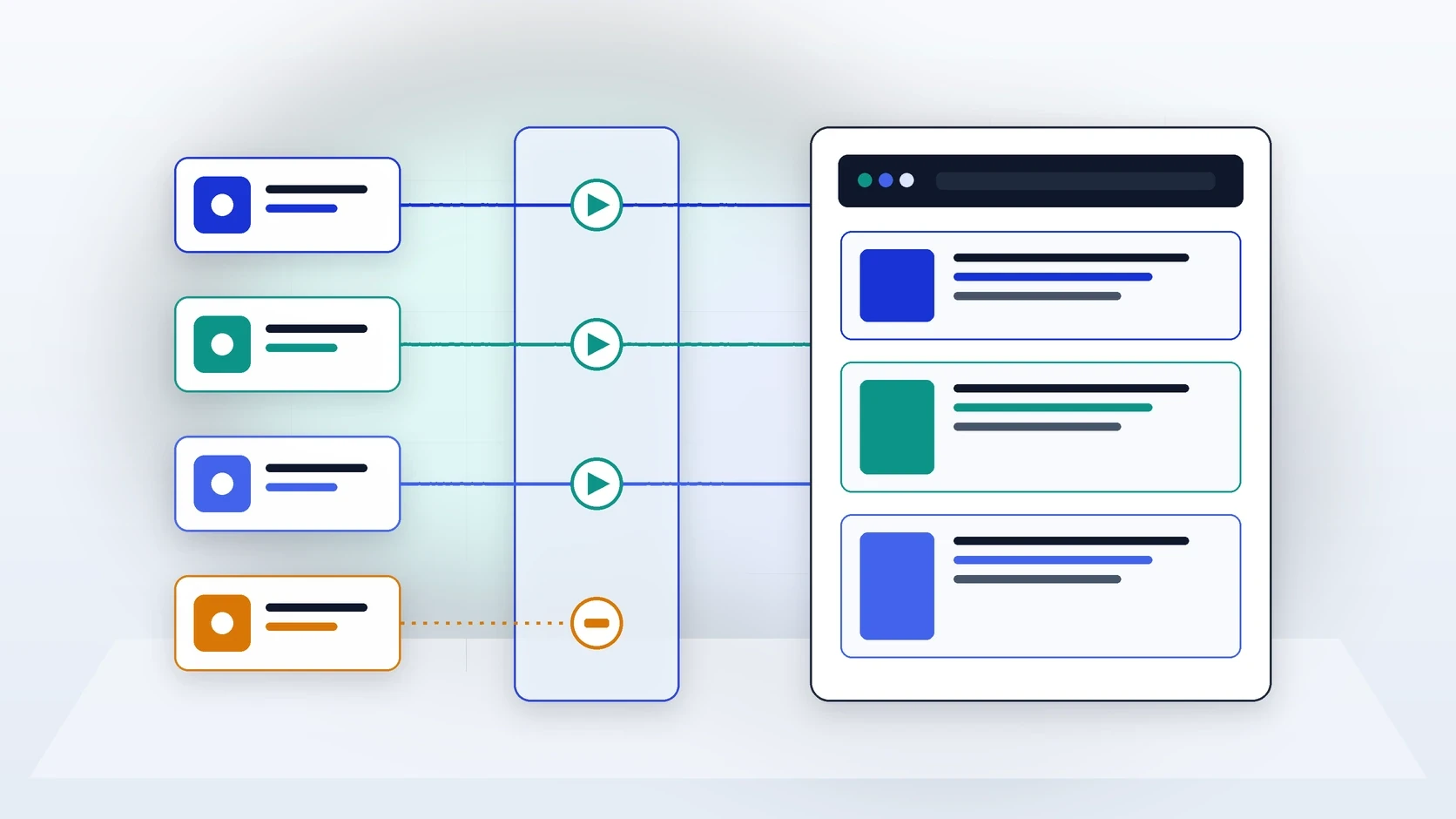
Technical Summary: The 4 Pillars of AI Crawlability
1. Granular
robots.txtgovernance: Separate model-training crawlers (GPTBot,ClaudeBot,Google-Extended) from search retrieval bots (OAI-SearchBot,PerplexityBot,Claude-SearchBot).2. Server-Side Rendering (SSR) & clean HTML: Most AI retrieval bots do not execute heavy headless browser JavaScript; critical text and tables must exist in the initial HTML payload.
3. CDN & WAF allowlisting: Aggressive 'Bot Fight Mode' settings frequently serve
403 Forbiddenor CAPTCHA challenges to legitimate answer engine crawlers.4. Sub-second Time to First Byte (TTFB): Live user-triggered retrieval agents (
ChatGPT-User,Perplexity-User) enforce strict timeout budgets during real-time prompt generation.
How AI Crawlability Differs from Traditional Googlebot Crawlability
Many technical SEO teams assume that if a page is indexed in Google Search Console, it is automatically crawlable by every AI answer engine. That assumption is one of the most common causes of zero brand visibility in generative search.
Google invests enormous infrastructure into a two-wave Web Rendering Service (WRS) that executes complex client-side JavaScript bundles (React, Vue, Angular) after initial HTML retrieval. In contrast, the majority of dedicated AI retrieval agents (OAI-SearchBot, PerplexityBot, Claude-SearchBot, ChatGPT-User) fetch the raw HTTP response body and parse the static HTML DOM immediately. If your pricing tiers, comparison tables, or product specifications are injected solely via client-side API calls after hydration, AI crawlers see an empty shell <div id="app"></div>.
Separating Training Crawlers from Live Search Retrieval Bots in robots.txt
In 2023 and 2024, many publishers added blanket Disallow: / rules for all AI user agents out of concern over intellectual property training. Today, major AI providers operate separate user agents for foundation model training versus live search citation. Blocking search retrieval bots removes your domain from grounded citations in ChatGPT Search, Perplexity, and Claude.
AI Provider & User-Agent Token | Function & Recommended robots.txt Policy for Brand Visibility |
OpenAI | Policy: Always |
Perplexity | Policy: Always |
Anthropic (Claude) | Policy: |
Google | Policy: |
Microsoft Copilot | Policy: Microsoft Copilot relies directly on the Bing web index; ensure |
The 6-Point Technical Audit Checklist for AI Crawlability
Use this step-by-step engineering checklist to verify that your site is fully accessible and extractable by every major answer engine:
Audit
robots.txtfor accidental wildcard blocks: Check your live/robots.txtfile to ensure that no legacy rule blocksOAI-SearchBot,ChatGPT-User,PerplexityBot,Claude-SearchBot,Googlebot, orBingboton/blog,/pricing,/docs, or/comparisonpaths.Verify raw HTML payload without JavaScript: Run
curl -A "Mozilla/5.0 (compatible; OAI-SearchBot/1.0; +https://openai.com/searchbot)" https://yourdomain.com/target-pagefrom a terminal. Confirm that your H1, H2 headings, answer-first lead paragraph, body copy, and<table>elements are present in the raw HTML response.Inspect CDN and WAF firewall logs for 403/429 blocks: In Cloudflare, AWS WAF, or Fastly, filter firewall events for AI user-agent strings. Automated 'Bot Fight Mode' or rate-limiting rules frequently misclassify legitimate RAG bursts as DDoS or scraper attacks. Use Agent Analytics to verify a 99%+
200 OKstatus rate.Keep Time to First Byte (TTFB) under 500 ms: When a live user prompts ChatGPT or Perplexity, the retrieval agent typically waits less than 1.5 to 2.0 seconds before timing out and falling back to a faster competitor URL. Serve pre-rendered HTML from the CDN edge.
Eliminate modal overlays and accordion traps: Do not hide core product specifications or FAQ answers inside JavaScript-only tabs that only mount into the DOM on click. Render all critical text in semantic HTML (
<section>,<table>,<details><summary>).Publish clean XML sitemaps,
llms.txt, and AI Feeds: Keep<lastmod>timestamps accurate in your XML sitemap, maintain a curated/llms.txtindex of your highest-value canonical guides, and use NeuraCite AI Feeds to expose structured machine-readable summaries.
Diagnosing Extraction Failures After the Crawl Succeeds
Achieving a 200 OK HTTP response is necessary, but it only completes the transport layer of AI crawlability. The second half is semantic extractability. When an answer engine fetches an HTML document bloated with 400 kilobytes of inline SVG icons, nested layout <div> wrappers, and fragmented sentences, the HTML-to-Markdown parser often truncates or mangles the core text before it reaches the reranker.
DOM / Structural Anti-Pattern | How It Breaks AI Extraction & How to Fix It |
Pricing & Comparison Data Rendered as PNG/SVG Images | Failure Mode: Text-based RAG crawlers skip raster and vector graphics during passage chunking. |
Fragmented Multi-Column Div Grids Instead of Native Tables | Failure Mode: When flattened to plain text, cell relationships scramble (e.g., matching Competitor A's price to Competitor B). |
Missing or Conflicting Canonical & Schema Metadata | Failure Mode: Duplicate URL parameters split citation authority or cause models to cite outdated staging/regional pages. |
Once your technical foundation passes all six checks, pair your crawlability monitoring with our playbook for getting your brand mentioned in AI answers and our step-by-step guide to fixing missing or incorrect brand citations.